BMS integration: how to turn sensor alerts into work orders
Turn BMS and sensor alerts into work orders automatically. See how BMS integration in Infraspeak gets every abnormal reading to someone who can fix it.
Turn BMS and sensor alerts into work orders automatically. See how BMS integration in Infraspeak gets every abnormal reading to someone who can fix it.
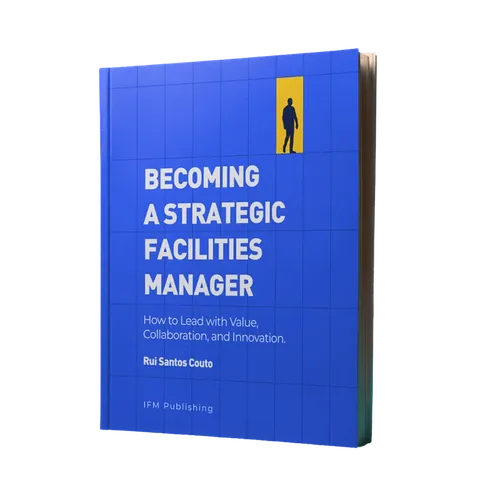
It's time to break the reactive loop. Becoming a Strategic Facilities Manager shows you how.
 Learn more
BMS integration connects your building management system and IoT sensors to your maintenance platform, so an alarm or an abnormal reading becomes a work order automatically instead of waiting for someone to spot it and log the job by hand. In Infraspeak, the collaborative FM platform, that connection runs through an API-ready integration framework, Infraspeak Hub and Gear AI Alerts.
“Did anyone see the alarm on the chiller?” is not a question anyone wants to hear from a tenant. The BMS saw it. It logged the reading, flashed a warning on a screen in the plant room and moved on. Unless someone happened to be looking, the alarm stayed an alarm, and the people in the building found out first.
A building management system (BMS) monitors and controls a building’s equipment: HVAC, lighting, electrical systems and meters. It knows when something drifts out of range. Most BMS platforms don’t run maintenance work, though: they don’t assign a technician, track an SLA or keep an asset’s repair history.
BMS integration with work orders closes that gap. The BMS keeps watching the building, the maintenance platform receives its readings or alarms, and when something goes out of range, a work order is created against the asset it came from. If you want the basics first, here’s what a building management system is and why you need one.
Because the alarm and the work live in two different systems, with a person in between. Someone has to notice the alert, work out which asset it belongs to, decide whether it matters, then type it into the maintenance system or call a contractor. Every one of those steps is a chance for the alert to get lost (usually somewhere around shift change).
Adding sensors doesn’t solve this on its own. Each new device brings more readings, more notifications and another screen to check, so the team ends up managing alerts instead of acting on them. Information that never turns into action is just more admin.
The way out is to remove the hand-off and let the alert create the job.
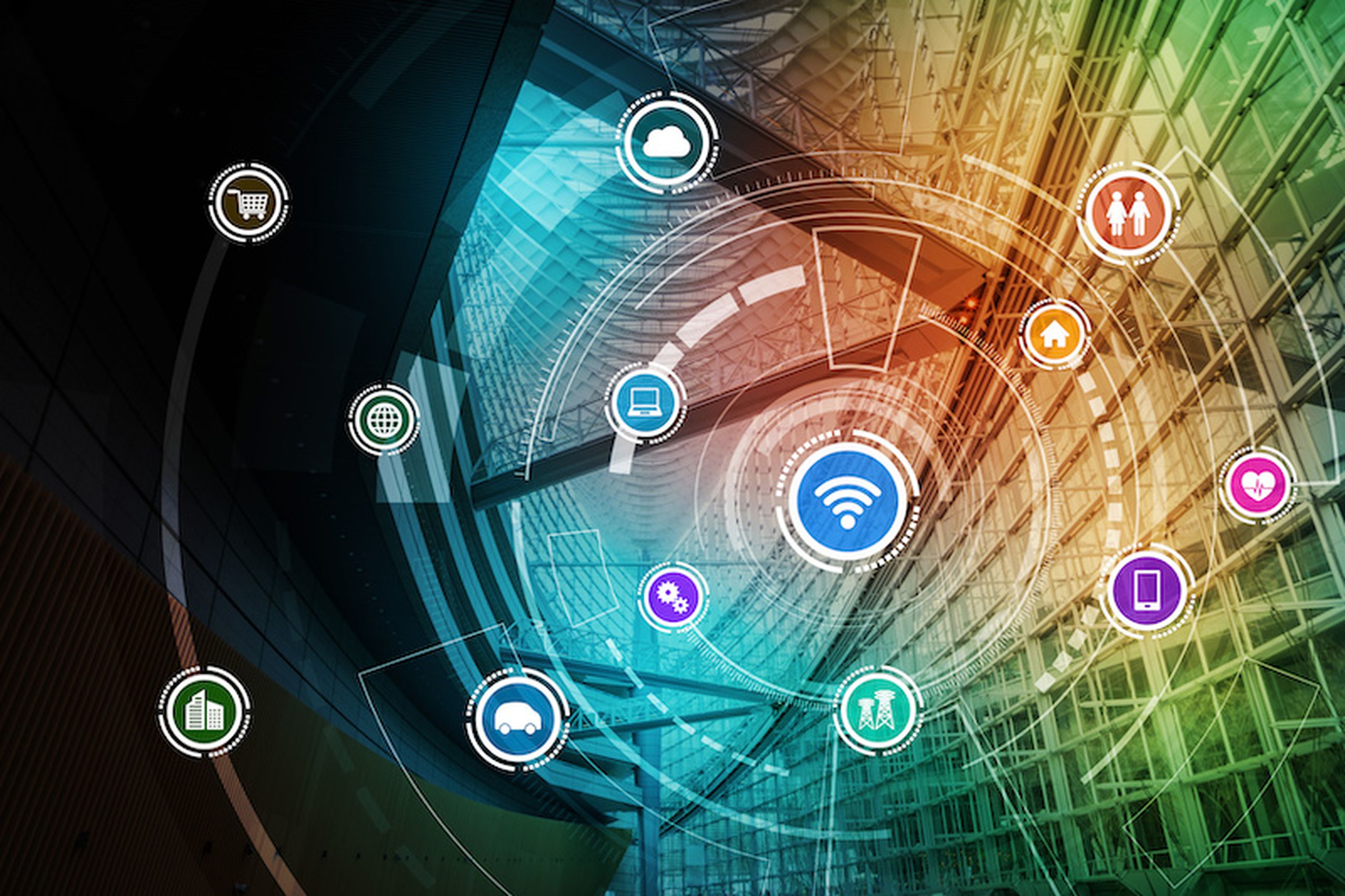
There are two standard ways to connect a BMS to Infraspeak, depending on where you want the rules to live. Both run on Infraspeak’s API-ready integration framework, and IoT sensors and hardware are added and managed in Infraspeak Hub.
The BMS sends its readings to Infraspeak at regular intervals. You define the acceptable range for each reading in Infraspeak, and when one falls outside it, a work order is created automatically. On top of those ranges, Gear AI Alerts flags abnormal readings and other critical anomalies that a fixed range won’t catch, and can trigger a work order the moment it does.
The BMS keeps its own alarm rules and sends each alarm straight to Infraspeak as a work order, with no readings in between.
Either way, nobody has to copy an alarm into a ticket. The job appears in Work orders, ready to assign, and Gear AI Automations can handle repetitive steps such as routing and reporting.
Whichever option you choose, the rules matter as much as the connection: decide which readings or alarms should create a job, and how urgent each one is, before you switch the integration on.
Because the job starts from the alarm or reading itself, response times drop and fewer small issues grow into costly failures. Alerts are one part of Infraspeak’s AI layer; here’s how Gear AI works across the rest of the platform.
Infraspeak Hub groups integrations by category. For building systems and sensors, the categories include:
BMS, for the building management system you already run
Energy management, for the platforms that track and control energy use
Temperature & humidity, for cold rooms, server rooms and anything that spoils when it gets warm
Energy monitoring and Air Quality, for consumption and indoor conditions
Vibration, for rotating equipment like pumps and fans
Occupancy & footfall, for cleaning and servicing based on how spaces are used
Tracking, for knowing where equipment is
The Utilities app can also sync with smart sensors for more advanced utility tracking, such as automated meter reading. That’s one less monthly trip to the basement with a clipboard.
Integrations available on request include BMS platforms such as Siemens Desigo CC and PRIAC, and custom connectors can be built on Infraspeak’s documented API. To see how one BMS integration works in practice, read our integration story. Celtic Manor Resort, a five-star resort in South Wales, runs its maintenance on Infraspeak with a Siemens BMS integration in place. Read the Celtic Manor story.
No. Sensors make predictions sharper, but they aren’t a prerequisite. Infraspeak’s Gear AI Asset Health Score analyses historical data and operational trends to detect equipment or sites at risk, with no IoT sensors required.
When IoT data is available, Asset Health Score combines it with other operational inputs for a fuller risk assessment. So you can start with the work orders and asset history you already have, connect the BMS where one is installed, and add sensors where the data shows they’ll earn their keep.
Most of the work is deciding what each alarm should lead to. Before you switch the integration on, check these five things:
Which alarms deserve a job. A filter warning and a freezer sitting at room temperature are not the same alert. Decide which readings create a work order, which only need logging, and which can wait for the next planned visit.
Whether asset names match. If the BMS calls it “AHU-03” and your asset register calls it “Air handler, third floor”, the work order can land on the wrong asset, or on none at all.
Who owns each alert. Some jobs go to your own technicians, others to a contractor. Agree who gets what before the first alert fires.
What happens on repeat. A faulty sensor can fire the same alarm every few minutes. Check how repeated alerts are handled, so one fault doesn’t become a pile of identical work orders.
Where to start. Connect the assets that hurt most when they fail, such as chillers, boilers and cold rooms, then widen the net once the rules work.
No. The BMS keeps monitoring and controlling the building’s equipment. The integration sends its readings or alarms to Infraspeak, where they become maintenance work with an owner, a priority and a history.
It stays with the asset. Readings, alerts and work orders build up the asset’s history, which Gear AI Asset Health Score uses to spot equipment at risk. In Utilities, consumption data helps detect outliers, anomalies and even faulty assets.
Yes. Gear AI Alerts also flags compliance gaps, such as missing preventive maintenance plans, so the same alerting that catches a struggling chiller catches a gap before the auditor does.
Integration requirements are mapped at the start of implementation, during discovery, alongside your workflows and asset structure. Infraspeak then connects your systems through a documented API and a connector library, standard or custom, and an integrations team stays on to troubleshoot and adapt as your stack changes.
Want to see a sensor alert turn into a work order? Book a demo.

Infraspeak Platform
Capabilities
Industries
Resources


